In recent years online insurance sales have grown significantly worldwide. Convenience, accessibility and the ability to compare many options quickly have driven adoption across digital channels.
While exact percentages vary by region and product line, online distribution already represents a sizeable and expanding share— in some segments surpassing 20%. Entering this channel is now a necessity, not an optional experiment.
Our experience
For one of our insurance sector clients, all sales and customer operations are conducted online. We built their platform so users can purchase policies and access a private customer area to manage renewals, register and track claims, and download documentation.
Integration with third‑party platforms
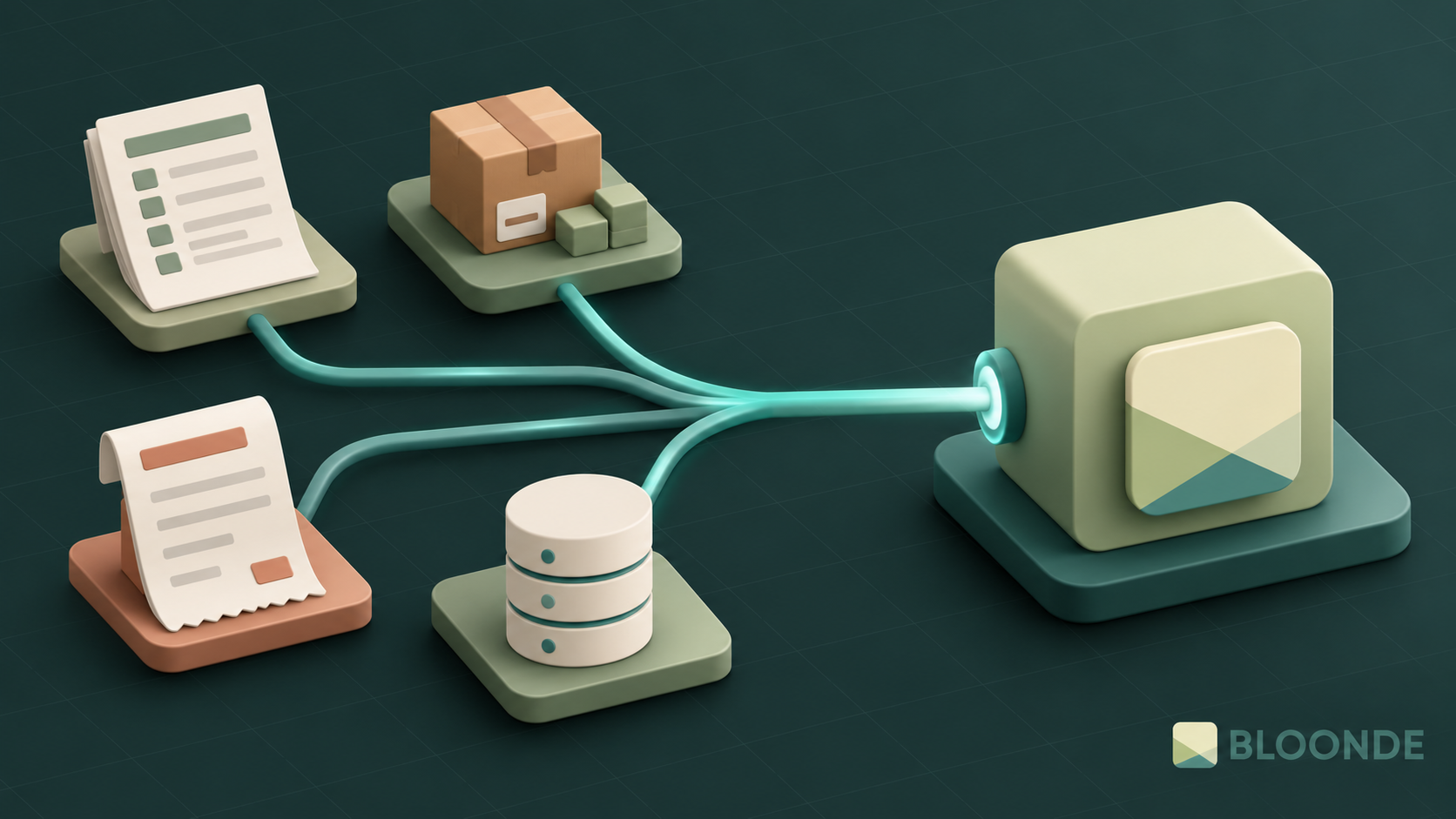
Our client— like many brokers— distributes policies underwritten by external insurers. That creates the need for automated synchronisation and management. This orchestration is achieved through the intermediary platform EBroker.
EBroker
EBroker is a specialised ERP for insurance distribution (brokers, risk management units, etc.). In a 100% web interface it covers core operations: financial management, policy lifecycle, claims handling, premium receipt operations, CRM, transversal document management, integrated messaging, workflow engines, mobility resources (apps), business intelligence (KPIs, dashboards, segmentation) and more.
SOAP API connection
We connect our application to EBroker through its SOAP API, which exposes methods paralleling back‑office actions. In our case we synchronise policies, receipts, claims and customer records.
Many modern integrations rely on REST + JSON; SOAP demands extra care (WSDL structure, envelopes, namespaces). Below is a high‑level outline in PHP:
Fetching data
- Enable the SOAP extension in PHP (check php.ini: ensure
extension=soapis uncommented). - Instantiate the SOAP client:
$wsdl = 'WSDL_URL';
$client = new SoapClient($wsdl, ['trace' => 1]);
- Invoke API methods like native functions:
$response = $client->MethodName($param1, $param2);
- Inspect responses (object / scalar). For debugging:
$client->__getLastRequest()and$client->__getLastResponse().
Sending (creating/updating) data
To perform operations akin to POST you construct the body structure expected by the SOAP method:
$params = [
  'Param1' => 'value1',
  'Param2' => 'value2'
];
$wsdl = 'WSDL_URL';
$client = new SoapClient($wsdl, $params);

$body = [
  'var_1' => $var_1,
  'obj_1' => [
    'prop_1' => $prop_1,
    'prop_2' => $prop_2,
    'prop_3' => $prop_3,
    'prop_4' => $prop_4,
    'prop_5' => $prop_5,
    'prop_6' => $prop_6,
  ]
];

$response = $client->crearUsuario($body);
Adjust element names to the WSDL contract.
Conclusions
SOAP integrations are more verbose than typical REST work— schemas, envelopes and strict typing add friction— but they remain common in insurance, banking and legacy ERP ecosystems. If you need a robust, standards‑compliant implementation, contact us and we’ll analyse your case and provide a tailored proposal.

Ikono: innovation & growth through custom software

We Are an Innovative SME!